Invite-only beta, for TikTok Shop sellers
Make the video. Post it.
See what sold.
Pick a model, add your product photos, and generate TikTok Shop videos and images when you need them. The credit cost shows before you press Generate.
Seedance · Kling · Nano Banana Pro
Example videosStock clips from Pexels, not generated
How it works
From photo to TikTok in 4 steps
Pick a model
Seedance or Kling for video. Nano Banana Pro for product images.
- SeedanceVideo
- KlingVideo
- Nano Banana ProImage
Add your product photos
Upload photos, paste a TikTok Shop link, or import your whole showcase. We take the backgrounds off for free.
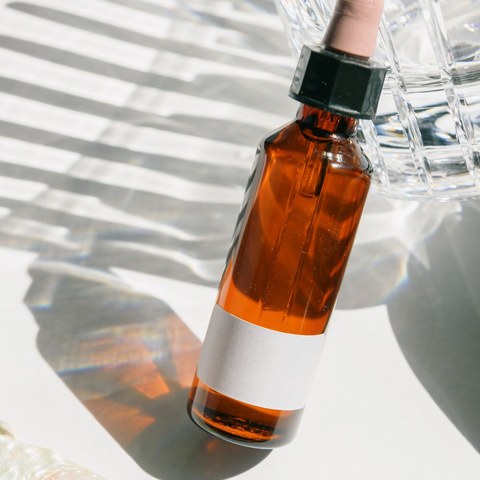
Glow Serum
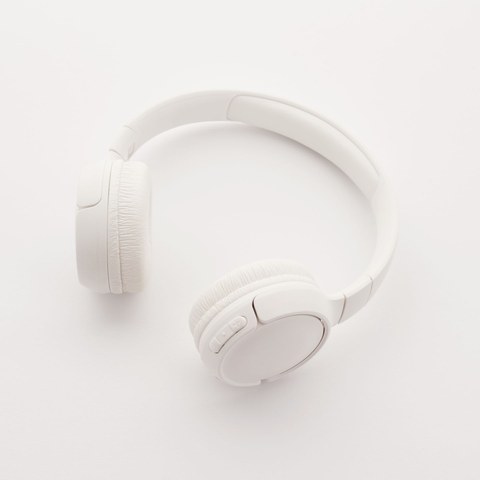
Headphones
Generate
The Generate button shows the credit cost. Nothing runs until you press it.
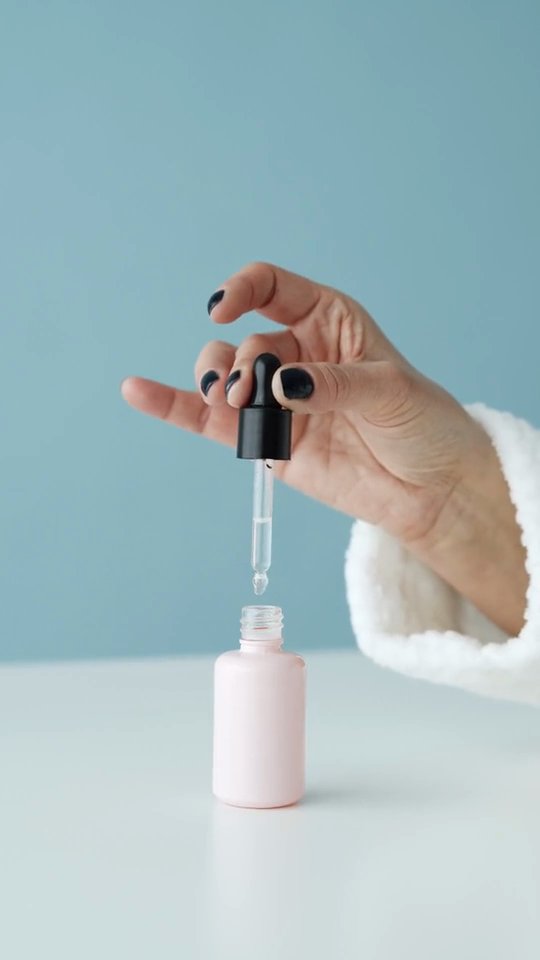
Glow Serum 30 ml
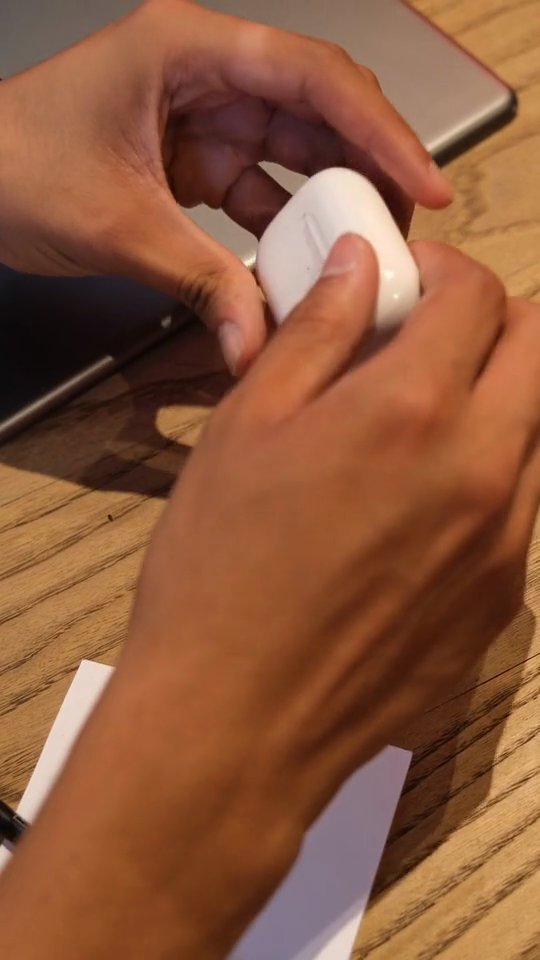
Wireless Earbuds
Insulated Tumbler 40 oz
Post
Download the video or send it to Google Drive. Sending to your TikTok drafts opens once TikTok approves our app.
- Download
- Google Drive
- TikTok draftsAfter TikTok approves our app
On-demand generator
Pick the model for the shot you want.
Seedance and Kling make video. Nano Banana Pro makes product images. Add your photos, say what you want, and generate one when you need it.
- 1ModelSeedance
- 2Your photosGlow Serum
- 3What you wantOn a bathroom shelf
- 4Format9:16 for TikTok
Model
Product photos
What you want
Glow Serum on a bathroom shelf, slow push-in, soft morning light
The toolkit
Everything you need to make TikTok Shop videos
AI product videos when you want them, free tools for the clips you film yourself, and the research to decide what to post.
On-demand generator
Seedance and Kling for video, Nano Banana Pro for product images. Add your photos and generate one when you need it.
- SeedanceVideo
- KlingVideo
- Nano Banana ProImage
Product library and showcase import
Type a TikTok username and bring in the whole showcase. We remove backgrounds for free.
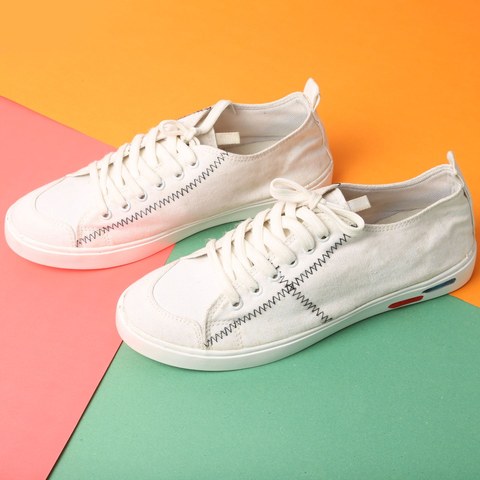
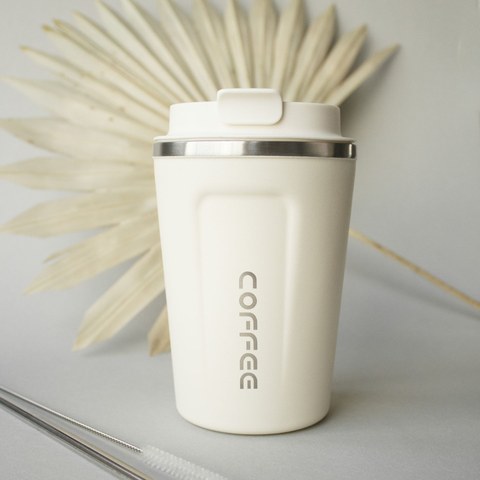
60 products added to your library
Overlay Studio
One hook or deal line stamped on up to 50 of your own clips at once. Free.
HALF PRICE TODAYHALF PRICE TODAYHALF PRICE TODAYBatch combine
Mix your openings, middles and endings into up to 30 different videos from one batch. Free.
24videos
AI Edit
We cut the pauses and the um's from your talking clips, and you see every cut first. Free.
Product research
Trending products, the creators you watch, and a watchlist with alerts.
Google Drive delivery
Every finished video lands in your Drive folder on its own.
Creator avatars
A fictional creator you design from a short description.
Beyond the video
Run the whole shop, not just the videos
Research what to sell, post on a schedule, keep every video organised, and work as a team, all in the same place you make the videos.
Product research
Know what to sell before everyone else
A daily radar of TikTok Shop products in your categories, built from our own daily snapshots, so you post the rising products while they are still rising.
- Items sold per day and estimated revenue
- Rising fast, new this week, and how crowded each product is
- Watch the creators you follow and get alerts
- One click from a trending product to a finished video
Trending in Beauty
updated 6:00 amGlow Serum 30 ml1,284$23.1K+64%Wireless Headphones902$27.0K+41%Insulated Tumbler 40 oz2,310$41.5K+22% Everyday Tote Bag418$12.5KNew
Schedule and post
Post every video on a schedule
Rolling out with TikTok's review
Every finished video goes into your posting queue. Pick your time slots and each video lands in your TikTok inbox with its caption and product link, ready to publish.
- Time slots per account, paced safely under TikTok's limits
- Caption, product and AI label prepared for you
- Nothing posts without the account owner's say-so
Today · @yourshop
1 an hour · 10 a day- 9:00Glow Serum 30 mlIn your inbox
- 10:00Wireless HeadphonesScheduled
- 11:00Insulated Tumbler 40 ozScheduled
- 12:00Everyday Tote BagScheduled
Library and delivery
Every video kept, sorted and delivered
Your videos live in one Library with folders and search, and every finished video can go straight to your Google Drive, for you or your team to post from any phone.
- Folders, search and bulk download
- Automatic copy to your Google Drive folder
- Download any video in one click
- All videos248
- Serum launch36
- Holiday deals54
- Edits12
Teams and roles
Invite your editors and VAs. Owners control keys and spend, viewers only watch.
The cost before you press
The Generate button shows the credit cost. Nothing runs until you press it.
Several shops, one login
A workspace per shop or client, each with its own keys, products and caps.
Spend caps
A daily cap per workspace, checked before anything runs.
Security
Built like the keys are ours to lose
Real keys and real money, so this is the first feature, not a footer link.
Keys sealed per workspace
Decrypted only inside the render worker, for one job.
Isolation the database enforces
Row-level security on every table, forced, tested in CI.
Caps before spend
Estimate written first, re-checked before each paid stage.
Scraping in a sealed room
A key-less worker that can only reach TikTok.
An audit log you can read
Every action recorded with who did it.
MFA and passkeys
A second factor before any key can be saved.
Pricing
Plans come with credits for the AI
Each generation shows its credit cost before you press Generate. Overlay Studio, Batch combine and AI Edit use no credits.
Starter
Trying it on a few products.
Beta pricing
Set with your invite
- Monthly credits
- 2 TikTok accounts
- Email support
Creator
Sellers posting every day.
Beta pricing
Set with your invite
- More monthly credits
- 5 TikTok accounts
- Product research and Drive delivery
- Scheduling when it ships
Studio
Agencies and multi-shop teams.
Beta pricing
Set with your invite
- The most monthly credits
- Unlimited accounts
- 3 seats
- Priority queue
Every plan includes
- Seedance, Kling and Nano Banana Pro
- The credit cost on every button
- Daily spend caps
- Product library and showcase import
- Overlay Studio, Batch combine, AI Edit
- Background removal, free
What costs credits
- Video with Seedance or KlingCredits
- Image with Nano Banana ProCredits
- Overlay Studio, Batch combine, AI EditFree
- Background removalFree
Credit prices come with your invite during the beta. The button shows the cost before you press it.
FAQ
Questions sellers ask first
Your first video, about 5 minutes from the invite
Beta seats open a few at a time. Sellers already on the Discord bots move first, then the waitlist.